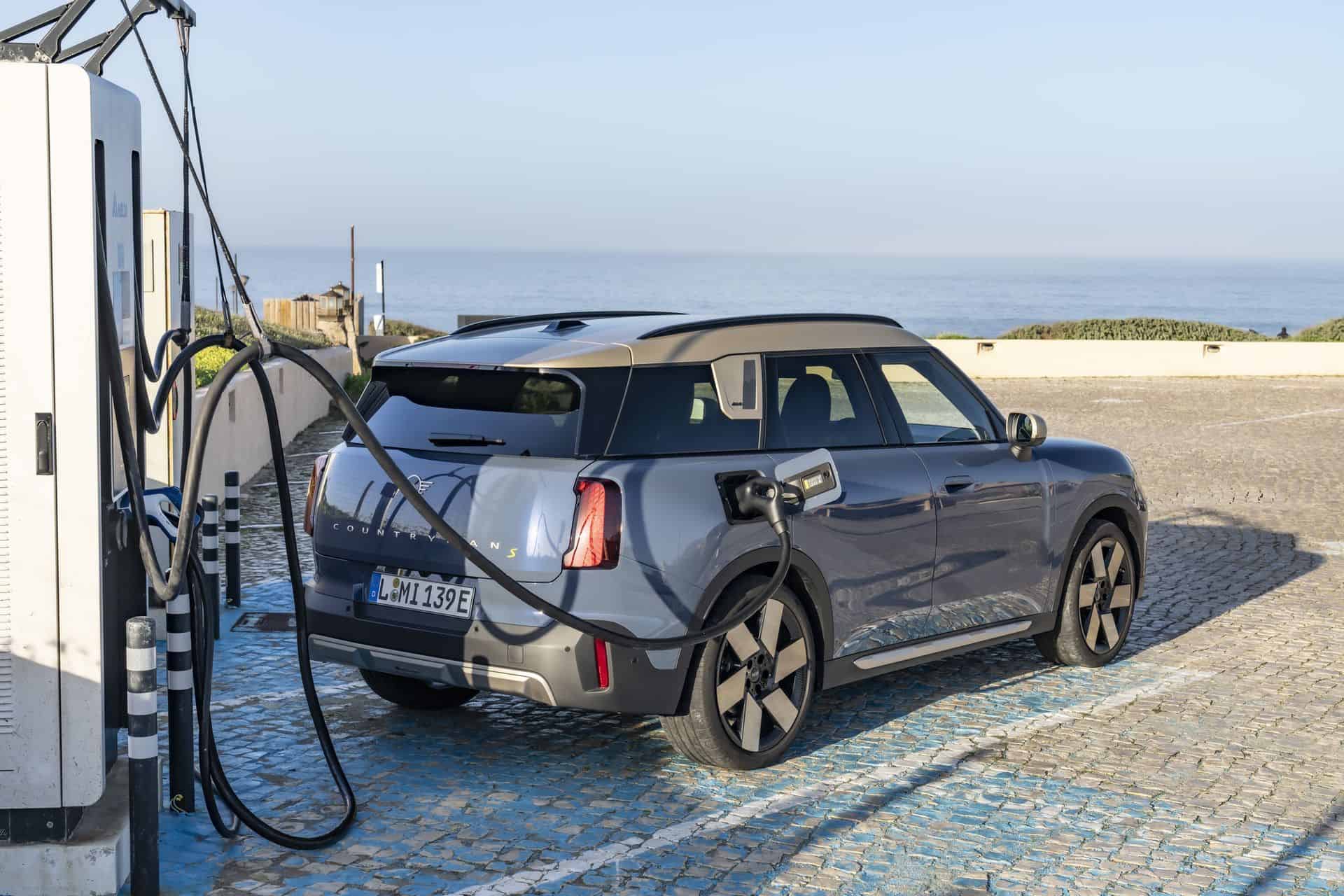
The story of MINI’s Tesla Supercharger access is finally becoming a reality for US owners and in this article we’ll give you a complete guide to the charging experience. If your vehicle supports Plug & Charge, charging your MINI can start automatically when connected. And instead of forcing owners to have a separate Tesla membership, MINI integrates Tesla Supercharger into the brand’s existing charging ecosystem: Tesla’s network is integrated with networks supported by Shell Recharge, so you can access Tesla Supercharger and start charging directly in the MINI app using your Shell Recharge account.
Confirm compatibility
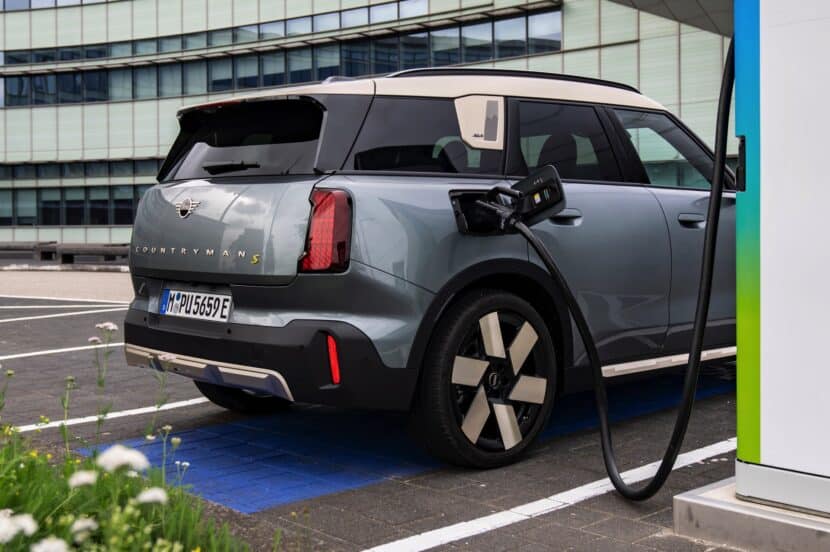
First, make sure your MINI is actually compatible. This part is strict. MINI’s compatibility list is as follows:
- The MINI Countryman SE is compatible with Tesla Superchargers from the NACS partner
- The MINI SE Hardtop is limited to Magic Dock-equipped Tesla locations
- MINI PHEVs are not compatible with Tesla Superchargers at all.
This is important because Tesla operates three types of superchargers and only two of them are relevant for a MINI:
- NACS Compressors: These require a compatible NACS adapter if your MINI has a CCS port.
- Magic Dock Supercharger: These have a built-in CCS solution and allow direct charging without having to bring an adapter.
- Tesla-exclusive Superchargers: older or restricted locations that remain Tesla-exclusive.
A simple rule will save you frustration: If you’re sitting in front of a Supercharger and it doesn’t show up in your MINI app or your car navigation, treat it as a Tesla-only site for your vehicle. MINI’s map/app is practically your compatibility filter.
What you need before you start charging
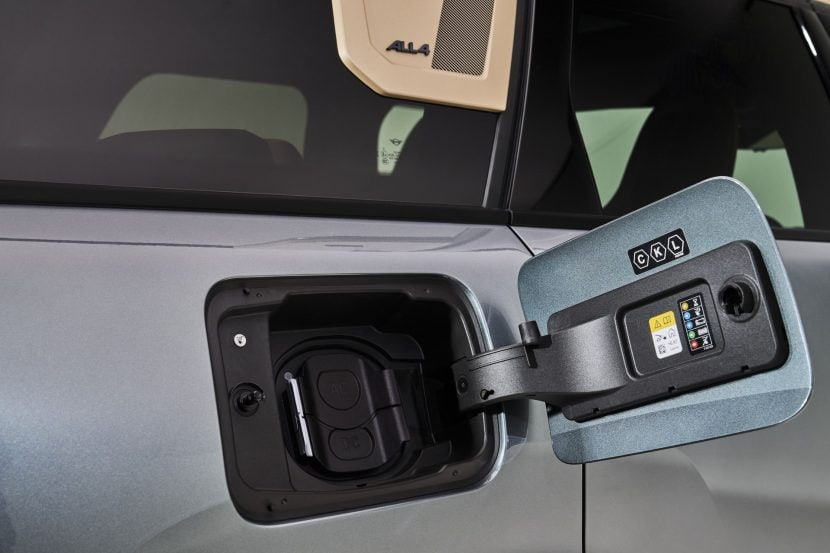
If you have a MINI Countryman SE ALL4 with a CCS connection, charging at NACS stations is possible with an approved NACS to CCS DC adapter. MINI has approved the Lectron Vortex Plus for this task, and this approval is the crucial difference between “any third-party dongle” and an accessory that MINI endorses for use with high-power DC power.
The practical checklist is short:
- A compatible MINI (Countryman SE for NACS partner access; SE Hardtop for Magic Dock only)
- The NACS RSU software activation (version 25-11-530)
- The Lectron Vortex Plus (or the MINI approved Lectron NACS to CCS DC adapter for Countryman models with CCS)
- The MINI app was set up with Shell Recharge so billing and charging history work correctly
MINI also points out the rollout timing: the introduction of the NACS RSU is expected to begin on December 1st. If you haven’t received it yet, you should check eligibility and make sure your vehicle’s software is up to date. Even after the rollout begins, it may take a few days for the update to reach your car.
How to activate Tesla Supercharger access in the MINI app
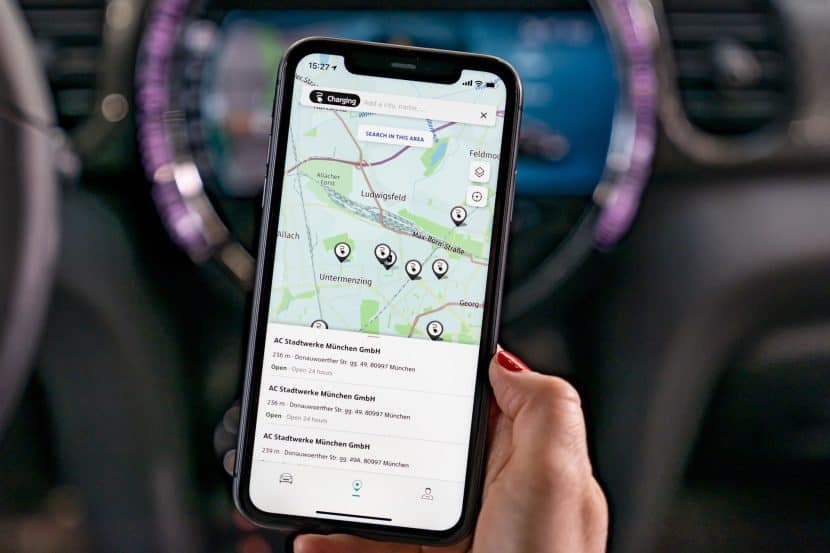
This is the step that many people overlook and will ensure that Tesla stations appear correctly in your route and search results.
- Open the MINI app and go to: Load → Adapter → Add adapter → select “NACS (DC)”
Once you do this, the MINI app and vehicle will activate NACS stations in search results and navigation routes. Stations that require an adapter will be clearly marked as “Adapter Required” upon selection, and you can also filter charging stations by plug type for trip planning.
How to use the Lectron Vortex Plus on a NACS charging station
Once the adapter is activated in the app and you’re at a compatible NACS station, the physical process is straightforward – but it’s the “feel” of the connection that counts.
- Remove the charging cable from the station and connect your adapter to the port. Press down firmly until it clicks into place.
- Connect the charging cable and adapter assembly to the charging socket on your MINI.
Observe the vehicle’s charging indicator:
- Orange means waiting for charging to initialize.
- The charging process can take up to 1 minute.
- When charging begins, the light will flash blue to indicate charging is in progress.
Separate correctly
In order to separate safely and cleanly, the order of MINI is important:
- First stop the charging process, either in the app or using the stop button next to your charging socket.
- Press the top release button on the adapter and disconnect the charging cable along with the adapter.
- Then press the bottom release button on the adapter and remove it from the charging cable.
Plug & Charge vs. starting in the app
If your MINI supports Plug & Charge – factory-fitted or retrofitted – you can simply plug it in and the charging process should start automatically.
If the charging process does not start via Plug & Charge, MINI recommends starting the charging process via the MINI app instead. If that still doesn’t work, assume stalling might be the problem and switch to a different charger.
What about non-Tesla networks with NACS connectors?
This isn’t just about superchargers. NACS (North American Charging System) is Tesla’s connection standard, and charging networks such as IONNA, EVgo and ChargePoint are beginning to support NACS connections as well, expanding charging options beyond Tesla’s own locations. For Countryman SE ALL4 models with CCS connectors, the approved NACS to CCS DC adapter is also the bridge to these NACS equipped stations.
Loading speeds, prices and the one fee that may surprise you
Tesla Superchargers typically advertise DC fast charging around 250 kW, but MINI makes it clear that your vehicle determines the actual charging speed based on the state of charge, outside temperature and battery temperature. In other words, the charger can provide the capacity, but your MINI controls what it needs. The MINI Countryman SE ALL4 2025 has a fast charging capability of 130 kW.
In terms of pricing, MINI’s integration follows Tesla’s standard pricing model, but you don’t need a separate Tesla membership. Billing will be done through your MINI Shell Recharge account once it is set up. Charges will be displayed under “Recharge History” in your Shell Recharge Account Center in the MINI App. Prices vary depending on location, time of day and demand.
The most important thing to know in advance is Tesla’s congestion charges at busy stations. MINI warns that if the charge level is over 80% and the site is more than 90% full, Tesla may charge you a per minute charge if you continue to charge beyond 80%. You have five minutes to unplug and leave before charges apply.
Quick troubleshoot if it doesn’t start
Most errors are due to initiation or connection. MINI’s checklist is basically: try the simplest solutions first.
Make sure the adapter is properly seated – you should hear a click as it attaches and a locking sound as it connects to your vehicle. Keep the adapter and charging port clean and free of dirt and do not use a plug that is visibly damaged. If problems persist, contact MINI Customer Service at 1-800-831-1117.
